Open the guidelines editor to create accurate guidelines.
|
On the MainBar ➢Press the drop-down arrow on the Guidelines button and select Guidelines Editor. |
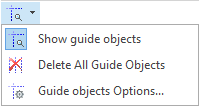
|
All the existing guidelines will be included in the list. |
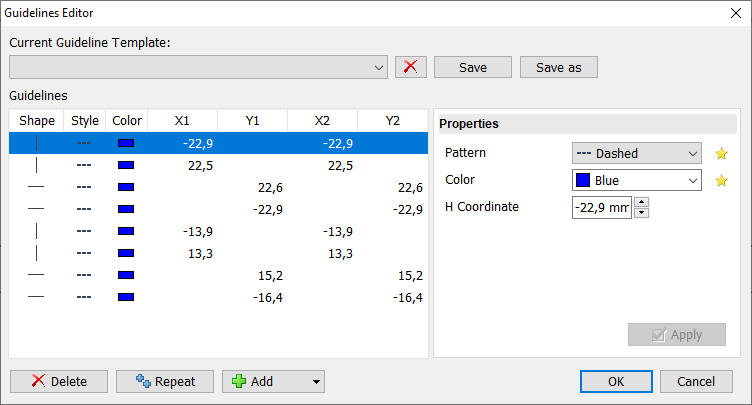
Edit an existing guideline:
➢Click on the guideline to select it
➢Change the type, color and coordinates
➢Press Apply
Add new guidelines easily:
➢Press the Add button.
➢Select the type of guideline
➢Set the color and the coordinates
➢Press Apply
Besides the standard horizontal and vertical lines, there are other new types of guidelines:
•Free Line: This is a line segment with the direction you want
•Square/Rectangle: shape converted to a guideline
•Circle/Ellipse: shape converted to a guideline
Delete a guideline:
➢Click on the guideline to select it
➢Press on Delete.
|
You can also save your current guidelines as a template for a later use. |
