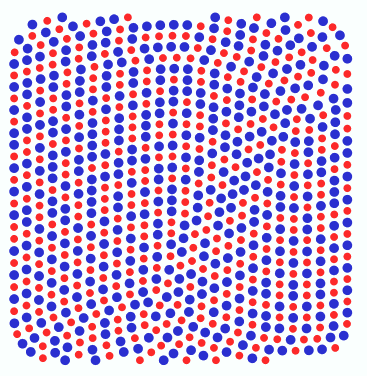
This effect changes the bling type randomly to any of the 2 new types defined by the user. The percentage of each type can also be defined by the user.
|
Sample video including Color Blending Effect |
How to apply this effect on a bling object?
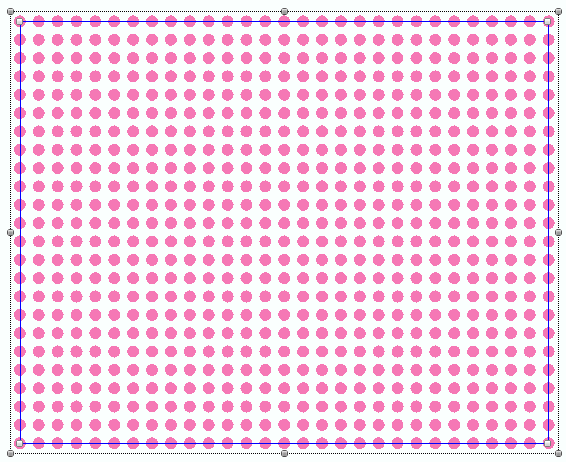
➢Select the bling object |
|
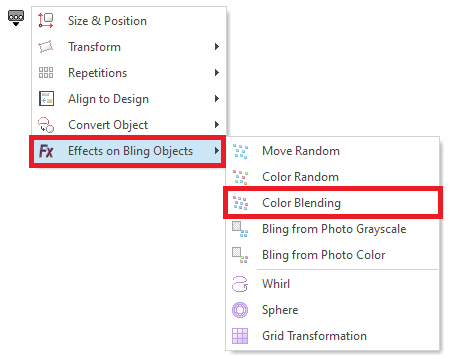
➢Open the Block Menu ➢Click on "Effects on Bling Objects" ➢Click on "Color Blending". |
|
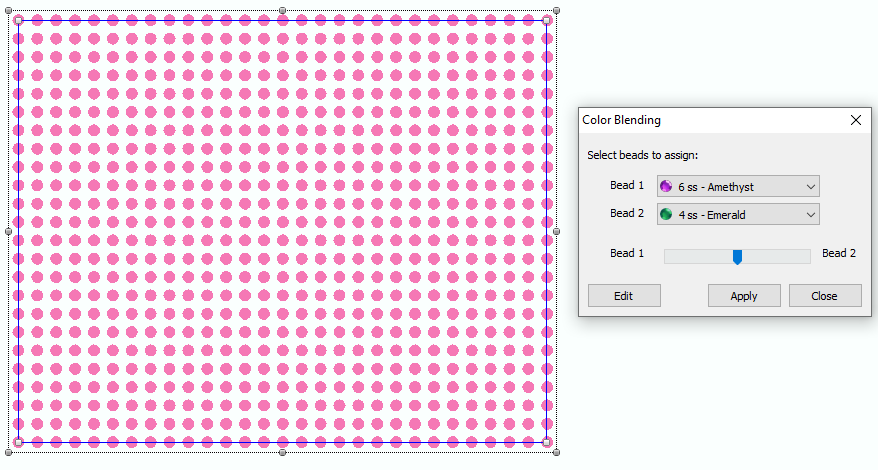
The Color Blending Effect window will open. ➢Set the bling types (2) you want to use. The amount of beads of each bling type will depend on the relative location of the slider. ➢Click on Ok button. |
|
This is the result 1: The original beads have been randomly replaced by beads of the selected bling types with a proportion according to the slider value. Bead Type 1 > Bead Type 2 |
|
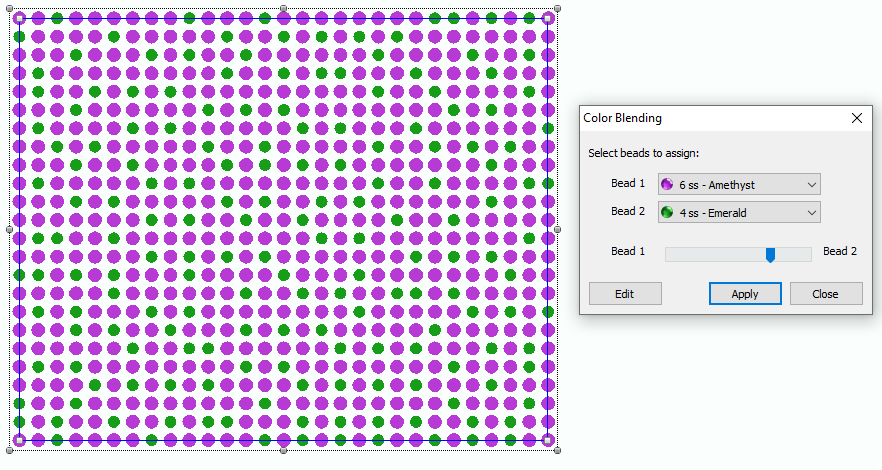
This is the result 2: The original beads have been randomly replaced by beads of the selected bling types with a proportion according to the slider value. Bead Type 1 < Bead Type 2 |
|
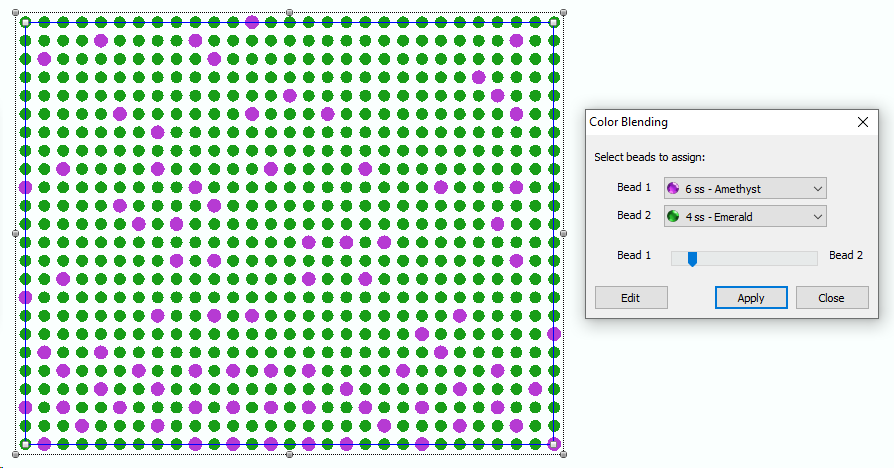
This is the result 3: The original beads have been randomly replaced by beads of the selected bling types with a proportion according to the slider value. Bead Type 1 = Bead Type 2 |
|
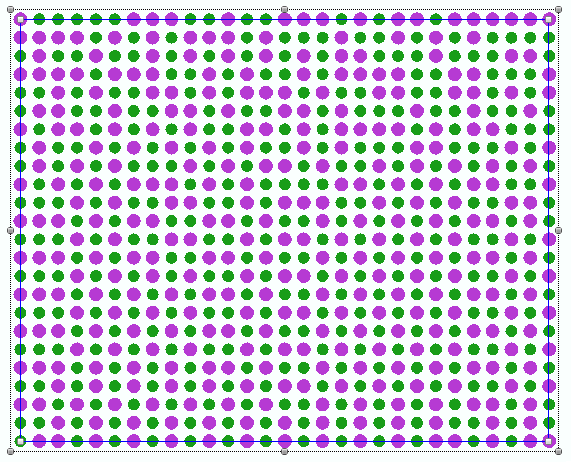
This feature is included in the Bling Effect Pack |